
🚀 Export 20+ Autodesk Inventor Drawings to PDF in 10 Seconds — Free Macro Inside!
Tired of wasting hours manually exporting PDFs?
If you’ve ever had to send a large set of drawings before a deadline, you know the pain:
- Click → Save As → Browse → Repeat… for every single file 😩
- Tedious, error-prone, and eats into your actual engineering work
- Sometimes you even miss a file — and that’s when the panic hits
What if you could export ALL open drawings to PDF in one click?
Your coffee would still be hot by the time it’s done. ☕
🎯 What This Macro Does
This free VBA macro for Autodesk Inventor will:
- Export every open
.idwor.dwgto PDF automatically - Save them all to your chosen folder
- Log every exported file in a handy text report
- Finish the job in seconds — whether it’s 5 files or 50
📊 Before vs After
| Without Macro (Manual) | With Macro (Automated) |
|---|---|
| 3–5 minutes per drawing | All PDFs ready in ~10 seconds |
| Missed files possible | 100% accuracy, no missed files |
| Repetitive & boring | One click, done |
| Coffee goes cold ☹ | Coffee stays hot ☕ |
🖥 How It Works (Simple Steps)
- Download the macro (link below)
- Open Autodesk Inventor
- Open Drawings you want to create PDF.
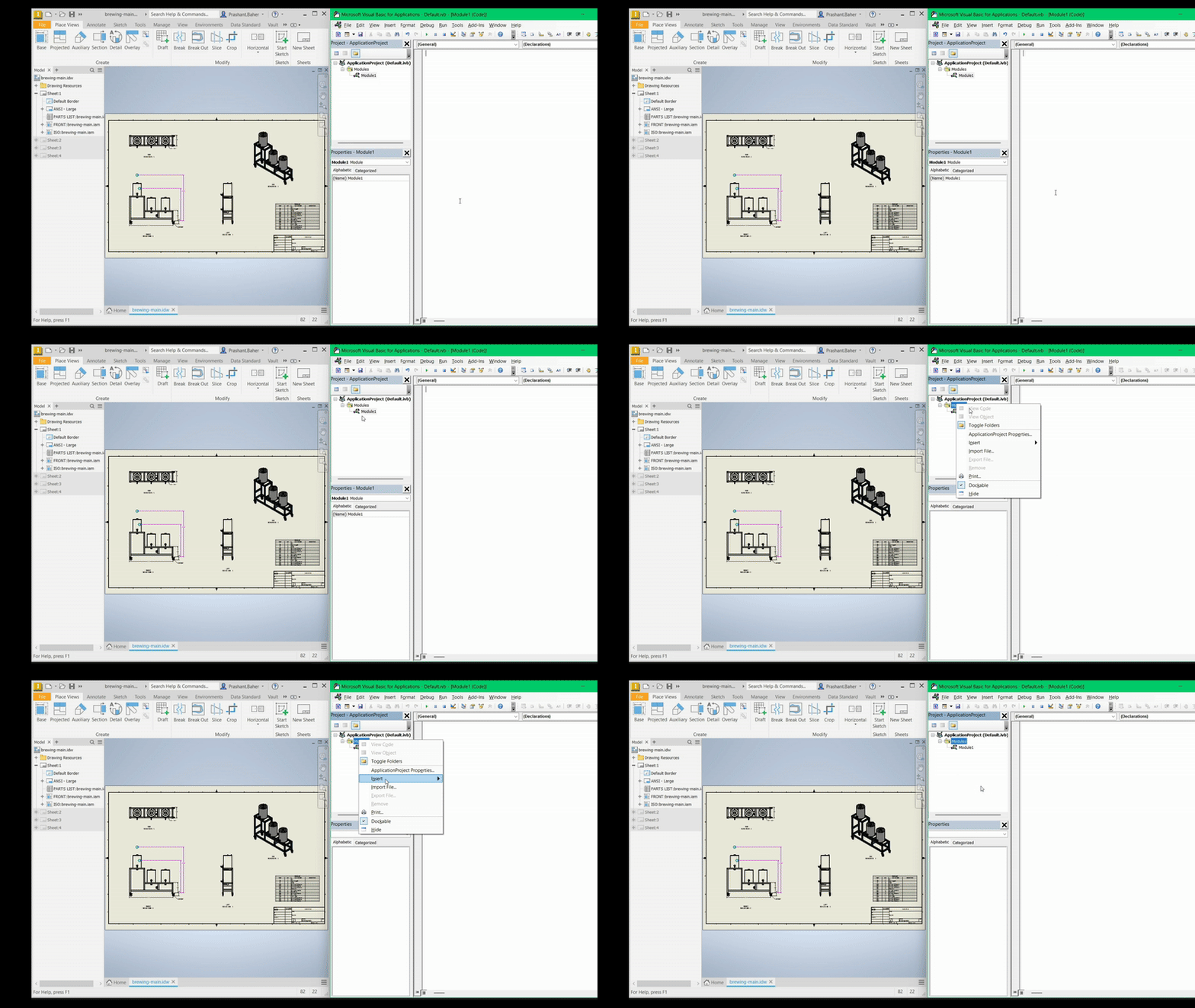
- Load the macro from the VBA editor
- Run it — choose a folder for your PDFs
- Done! Every open drawing gets exported instantly
🔍 Proof in Action
📥 Download the Free Macro
⬇ Download Now — It’s 100% Free
Your time is valuable. Stop wasting it on manual exports.
💡 Pro Tip — Save Even More Time
This is just one of the 5+ powerful automation macros in my
Engineer’s Productivity Macro Pack — designed to save hours every week:
- Batch rename drawings
- Export models to multiple formats
- Auto-update title blocks
- And more…
👉 Get the full Macro Pack here — and automate the boring stuff.
⌛ Start saving hours — download now and watch your PDFs appear before your coffee cools down.